100% Free • No Subscriptions
Free Online Music School & Piano Apps for Kids
We turn moms into music teachers and children into Little Composers
First time here?
Pedagogy meets Play: Little Composers apps are developed by a retired Austrian music educator.
A piano has a lid to protect the keys. But there is a second, invisible lid that prevents many from seeing beyond the black and white keys. Once that second lid has been lifted, the hidden architecture of music becomes visible.
— THE LITTLE COMPOSERS PHILOSOPHY
We don't just teach notes; we reveal connections. By moving beyond individual keys and into "Chord Families," we turn musical chaos into creative mastery. Built-in music teacher included.
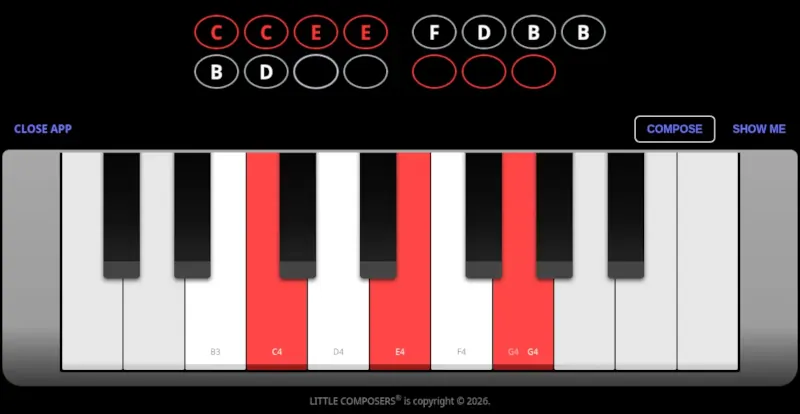
From Chaos to Composition
88 individual notes create chaos. Understanding three chord families creates music.
Intuitive Visual Logic
We replace abstract note names with intuitive color patterns. Children don't "read" music; they see the relationships.
Creation-Led Learning
Traditional learning is often a struggle of memorization. We teach through creation, enabling children to compose from Day One.
Structural Foundations
By mastering 'families' of keys rather than isolated notes, the core architecture of music is established immediately.
The Little Composer Method
A structured 8-day journey from curiosity to composition.
Day 1. The First Spark: Create a complete, 15-note melody in your very first 20-minute session.
Days 2–7. Building the Foundation: Explore rhythmic patterns, color-coded families, and the logic of scales.
Day 8. The Signature Composition: Use everything you have learned to create your most advanced melody yet.
No barriers
Everything you need to compose from day one. No extra apps. No subscriptions.
100% Free
No subscriptions. No hidden fees. Just pure music.
Instant Access
No signups, logins, or passwords required.
Screen Optimized
Made for tablets and computers for the best experience.
Self-Directed
Built for kids to explore safely and independently.
The Creative Toolkit
Easy-to-use apps designed to reveal the logic of music.
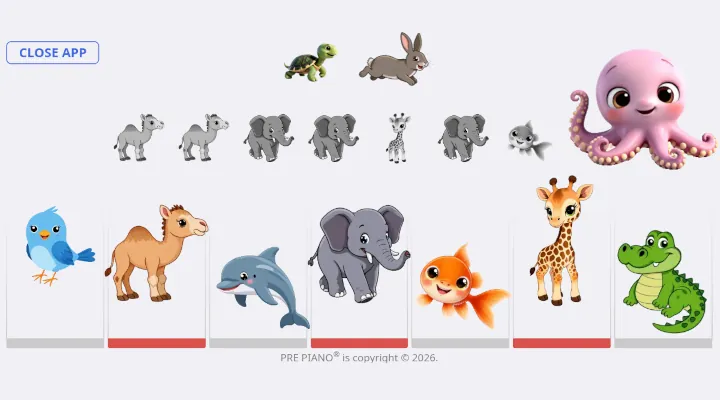
prePiano One
A musical playground built around seven friendly animals. No prior music knowledge required.
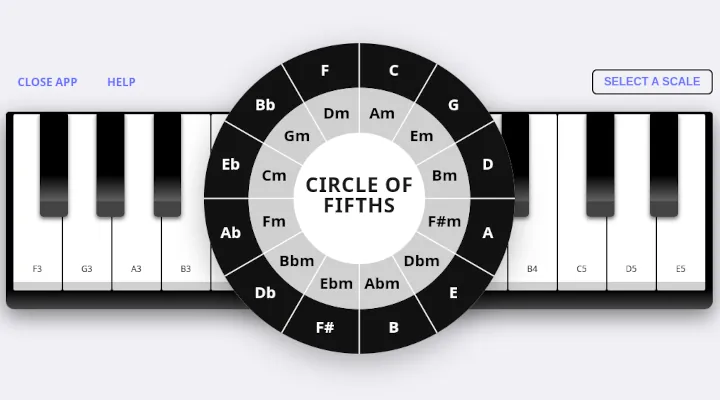
Scale Explorer
Discover the mathematical patterns used to build major and minor scales and see each one played for you.
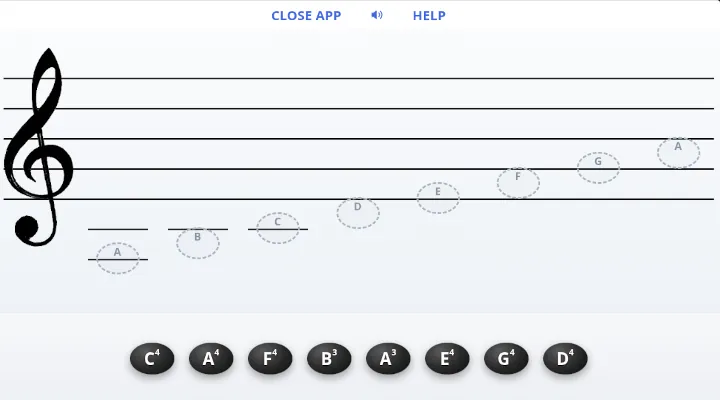
Notes Have Names
Notes have names, just like kids do. This app helps your child read music and learn the note names.
If your child loves music, make time to play. Ten years from now, you will be glad you did.